
Cashier POS
Touchscreen-friendly, line-item discounts, multi-pay, thermal-receipt print.
POS, kitchen, and tables — orchestrated.
Cashier POS, kitchen-display screens, table service, kiosk ordering. Live KPIs covering sales, COGS, top sellers, and margin — with QBot watching margins drift in real time.
Workflows specific to this vertical, unified with the rest of QLab so identity, billing, and AI insights live in one place.
Touchscreen-friendly, line-item discounts, multi-pay, thermal-receipt print.
Live ticket queue, prep timers, lane routing (dine-in / takeout / express).
Recipes, modifiers, COGS-per-dish, 86 toggles by branch.
Self-serve kiosks with PWA install — skip the line, queue your own ticket.
Real-time gross / COGS / profit / margin. QBot flags when margins drop.
Auto-rank items by revenue + margin to drive your daily specials.
A glimpse of the real Restaurant OS dashboard — live KPIs, AI insights, and one-tap quick actions.
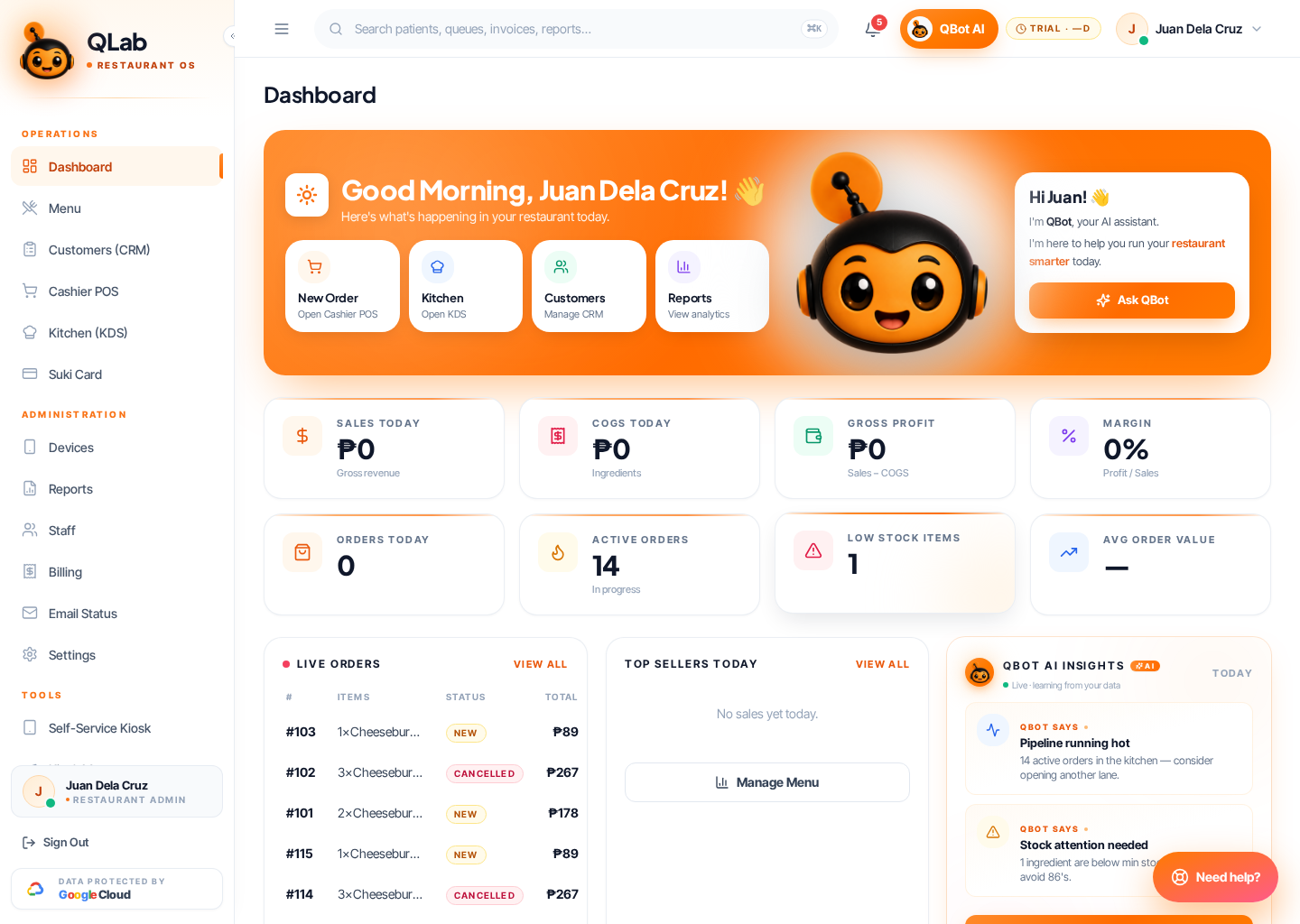
Live Restaurant OS Dashboard · sales + KDS + QBot insights